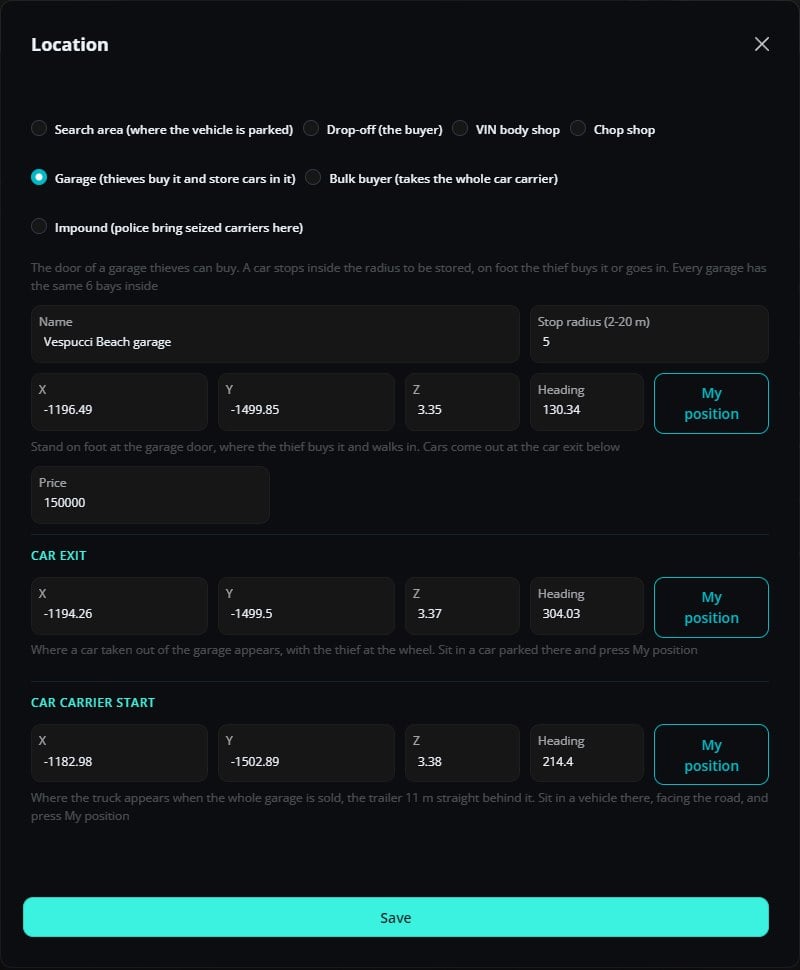
/boostingcreator. Each one has a name, a position with heading and a radius. My position fills them from where you stand, or from the vehicle you sit in, at ground level.
From the row menu you can teleport there, set a waypoint, or preview a search area (a see-through car appears at the spot for 15 seconds).
Location types
Search areas, drop-offs, VIN body shops and chop shops can be limited to some classes. None selected means every class.
One contract per spot
An offer reserves its search area and its drop-off until the contract ends, so two players never get the same car or the same buyer at once. With many players boosting at the same time, add more locations: a class with no free search area or drop-off is simply not offered.Garages
A garage has three points:
A garage also has a price. It doesn’t use classes: any thief can buy it.