
1
Open your inventory
Press F2 in-game to open your inventory.
2
Open the theme editor
Click the Theme button (bottom right corner).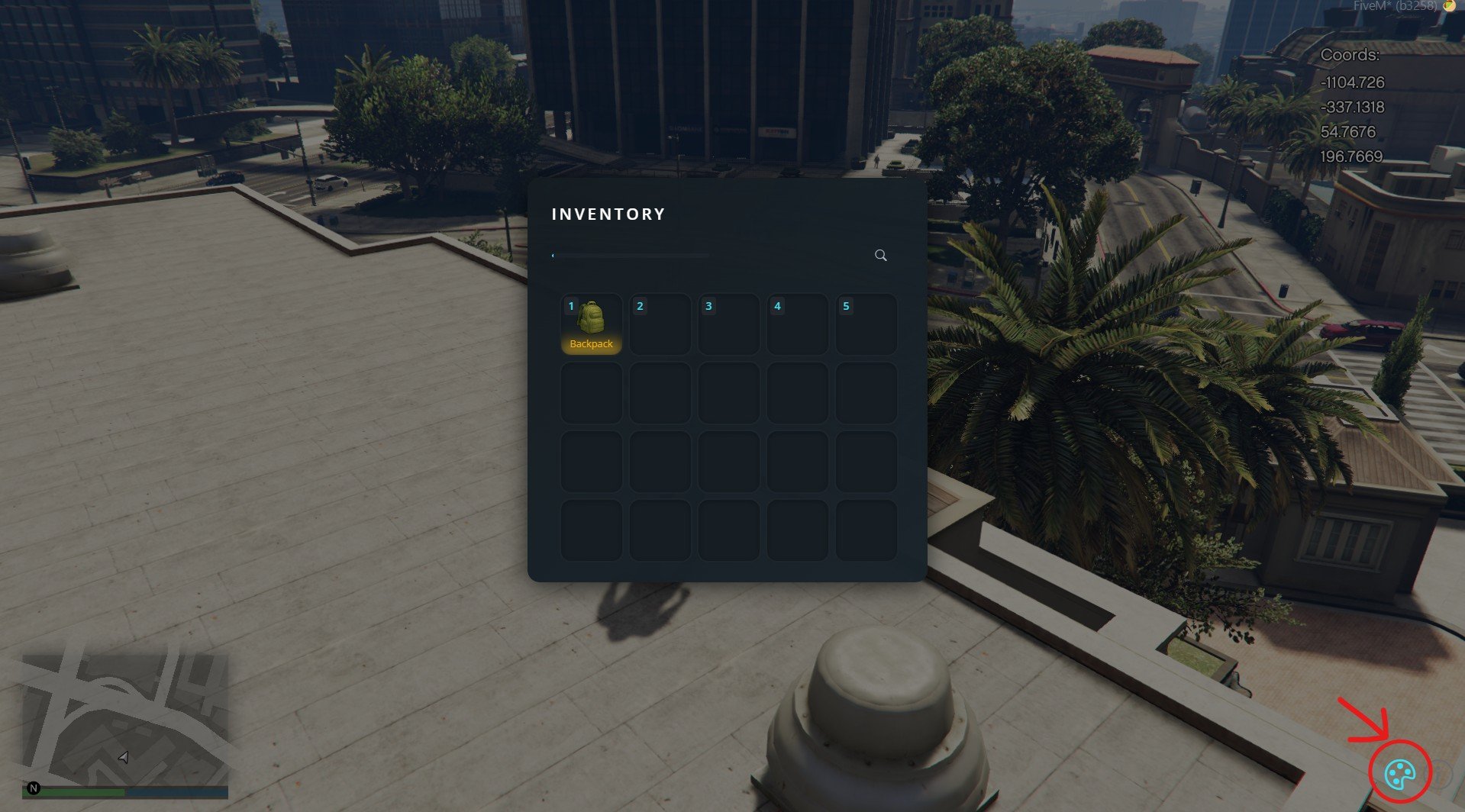
3
Customize and save
Change the colors and styles as you like, then hit Save.
4
Select your theme
Make sure your custom theme is selected.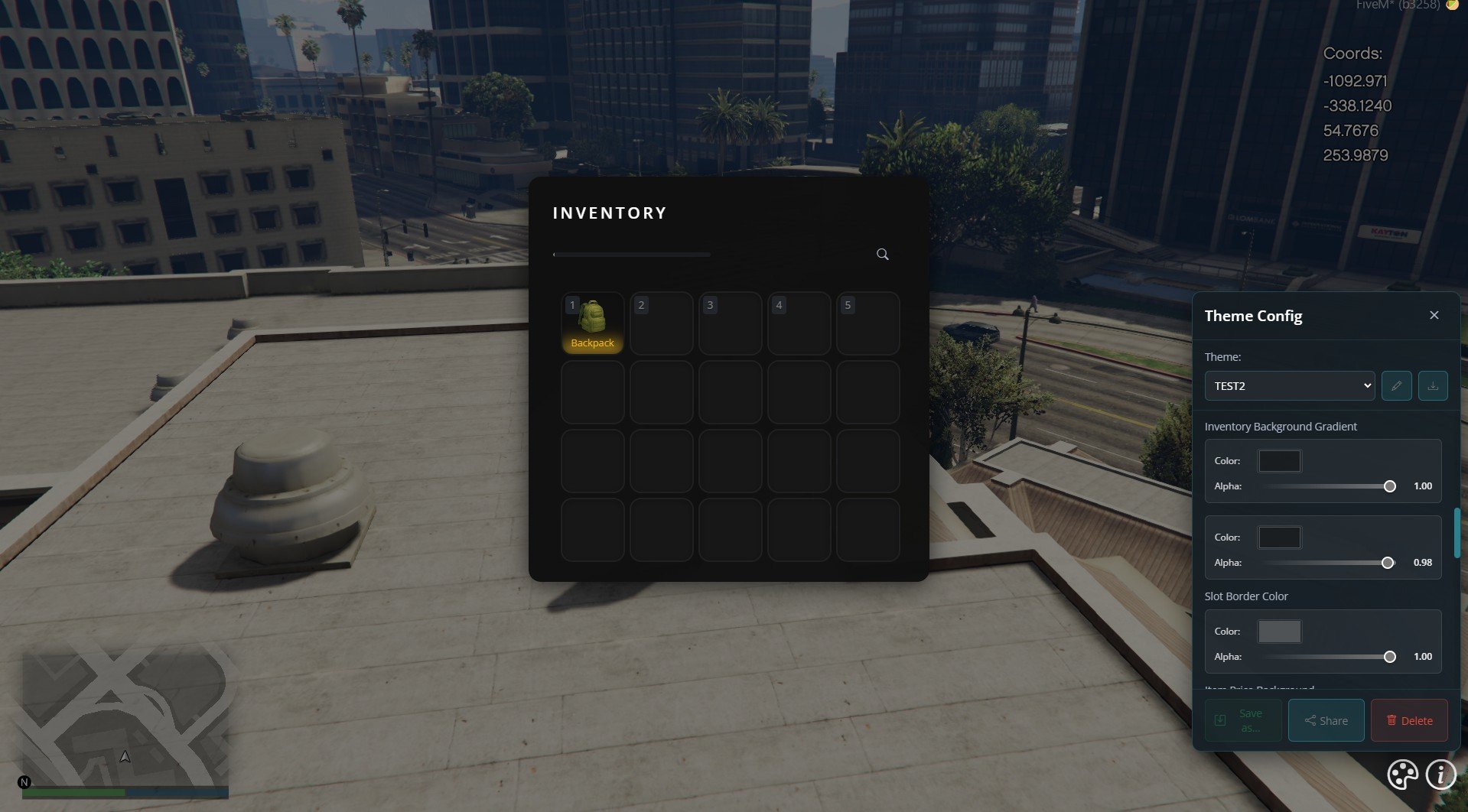
5
Open the console
Press F8 to open the console, then type:
6
Copy the theme code
You’ll see a bunch of code.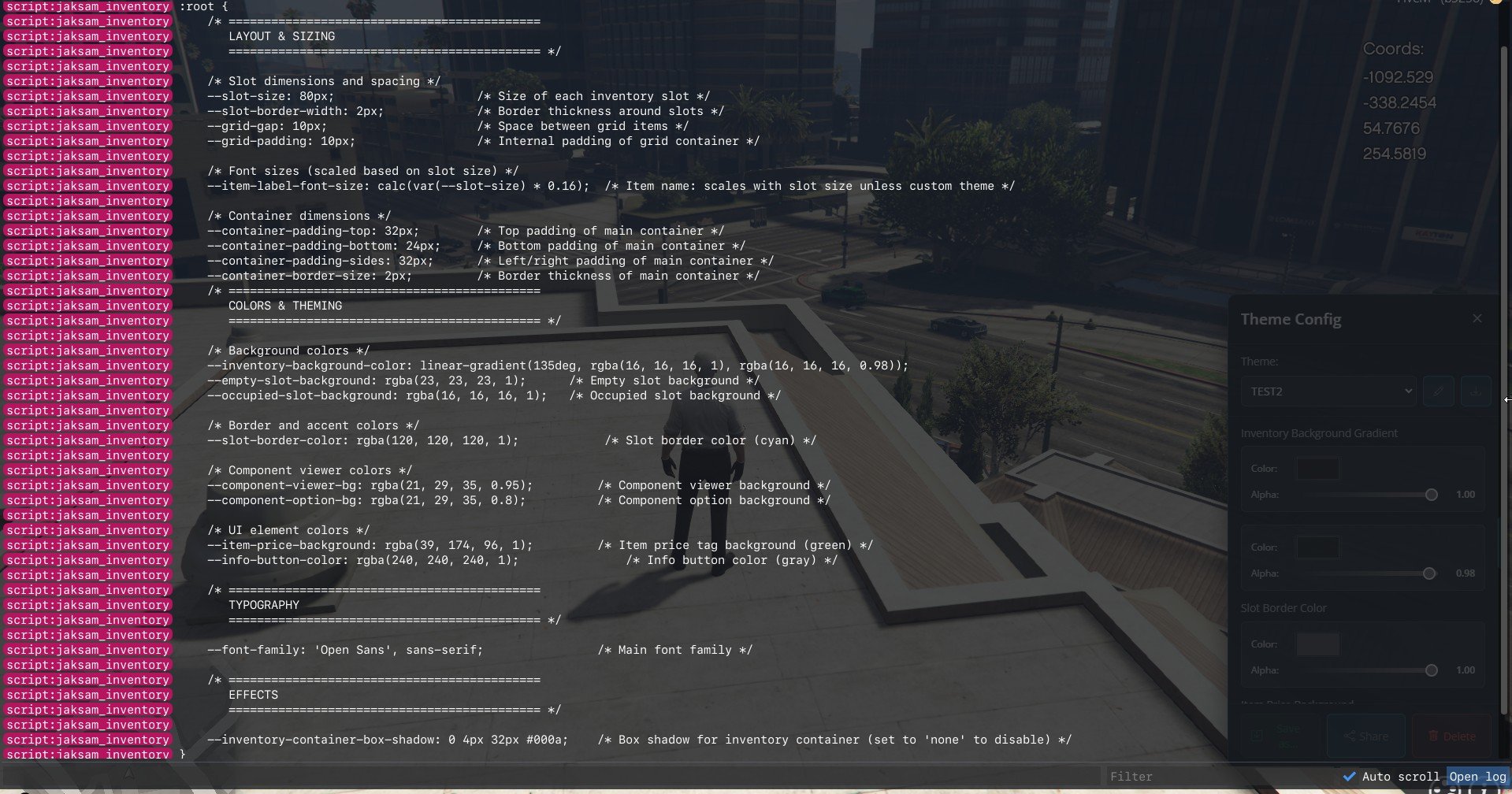
Copy everything between
COPY FROM THE LINE BELOW and COPY TILL THE LINE ABOVE — don’t miss the edges.7
Open the theme file
Go to the server files and open:
8
Paste and replace
Paste what you copied, replacing everything in that file.
9
Restart
Restart the script or reload the server.