
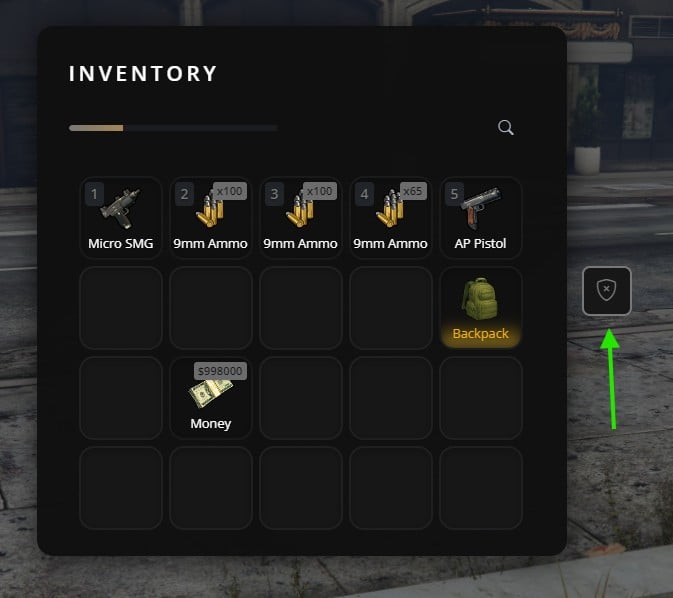
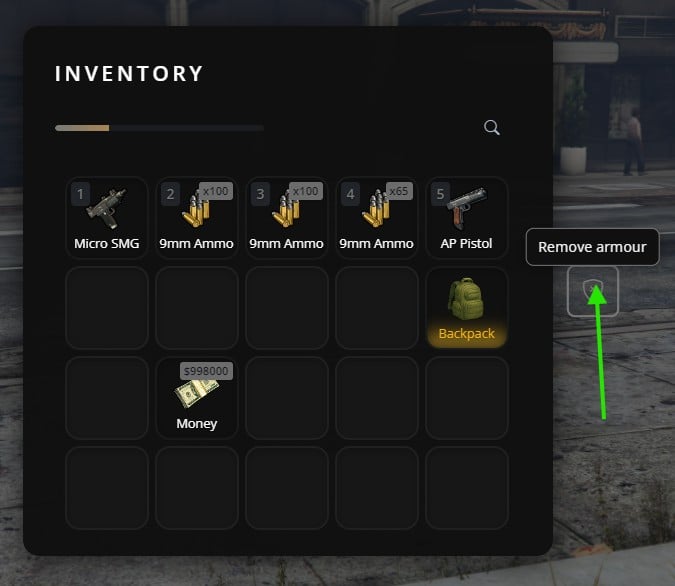
When to use Action Buttons
Use action buttons when you need:- A button always visible in the inventory (not item-specific)
- Quick access to features like “Police Menu”, “Garage”, “Crafting”, etc.
- Job-specific or role-specific actions
Basic Usage
Registering a button
Removing a button
Showing/Hiding without removing
Practical Examples
- Job-specific (Police)
- Open a stash
Register the button once when the resource starts, then show/hide based on job:
Important Notes
Unique IDs
Each button must have a unique ID. Registering with the same ID will overwrite the previous button.
Persistence
Buttons survive inventory open/close but are lost on resource restart. Re-register them when your resource starts.
Performance
Don’t register/unregister buttons repeatedly. Register once, then use show/hide to toggle visibility.