
1
Choose an icon
Choose a
.png icon you want to use (64x64px is best).2
Open the sprites folder
Go to the
blips_creator/_sprites/REPLACEABLE folder.3
Mark the sprite to replace
Choose a sprite to replace, copy its name, and add a
# before the name (so it’s easier to find later if needed).4
Add your icon
Place the new icon with the same name as the old sprite.
5
Restart the script
Restart Blips Creator 2 times.
Example with images
In this example, the green logo is replaced with the red sprite.
blips_creator/_sprites/REPLACEABLE folder
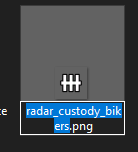
Copy the file name
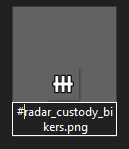
Add a "#" before the name
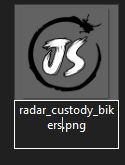
Rename your new icon file name

Final result